All you need to do is change the connection point to run your tests.The rest remains unchanged. Fully compatible with the documentation.
Cloud Browsers for QA Automation
Speed up UI testing in CI/CD and on your PC
Ready-made browser groups for running your Selenium, Playwright, Puppeteer, and CDP tests in parallel. Browsers will be accessible from Github and Gitlab, and with our built-in tunnel, you can even test your localhost.
1000 free credits after registration
No card required
No catch
Free demo cluster for your experiments


from selenium import webdriver
from selenium.webdriver.chrome.options import Options

XCLOUDS_URL = "https://selenium.xclouds.dev/wd/hub?api_key=API_KEY"

driver = webdriver.Remote(
    command_executor=XCLOUDS_URL,
    options=Options(),
)
driver.get("https://example.com")
assert "Example" in driver.title
driver.quit()
from playwright.sync_api import sync_playwright

XCLOUDS_URL = "wss://playwright.xclouds.dev/v1.58/?api_key=API_KEY"

with sync_playwright() as p:
    browser = p.chromium.connect(XCLOUDS_URL)
    page = browser.new_page()
    page.goto("https://example.com")
    assert "Example" in page.title()
    browser.close()
// npm install puppeteer
import puppeteer from 'puppeteer';

const browser = await puppeteer.connect({
    browserWSEndpoint: 'wss://cdp.xclouds.dev/cdp/?api_key=API_KEY'
});

const page = await browser.newPage();

await page.goto('https://example.com');
const title = await page.title();
console.log(`Page title: "${title}"`);

await browser.close();
Start in 5 minutes
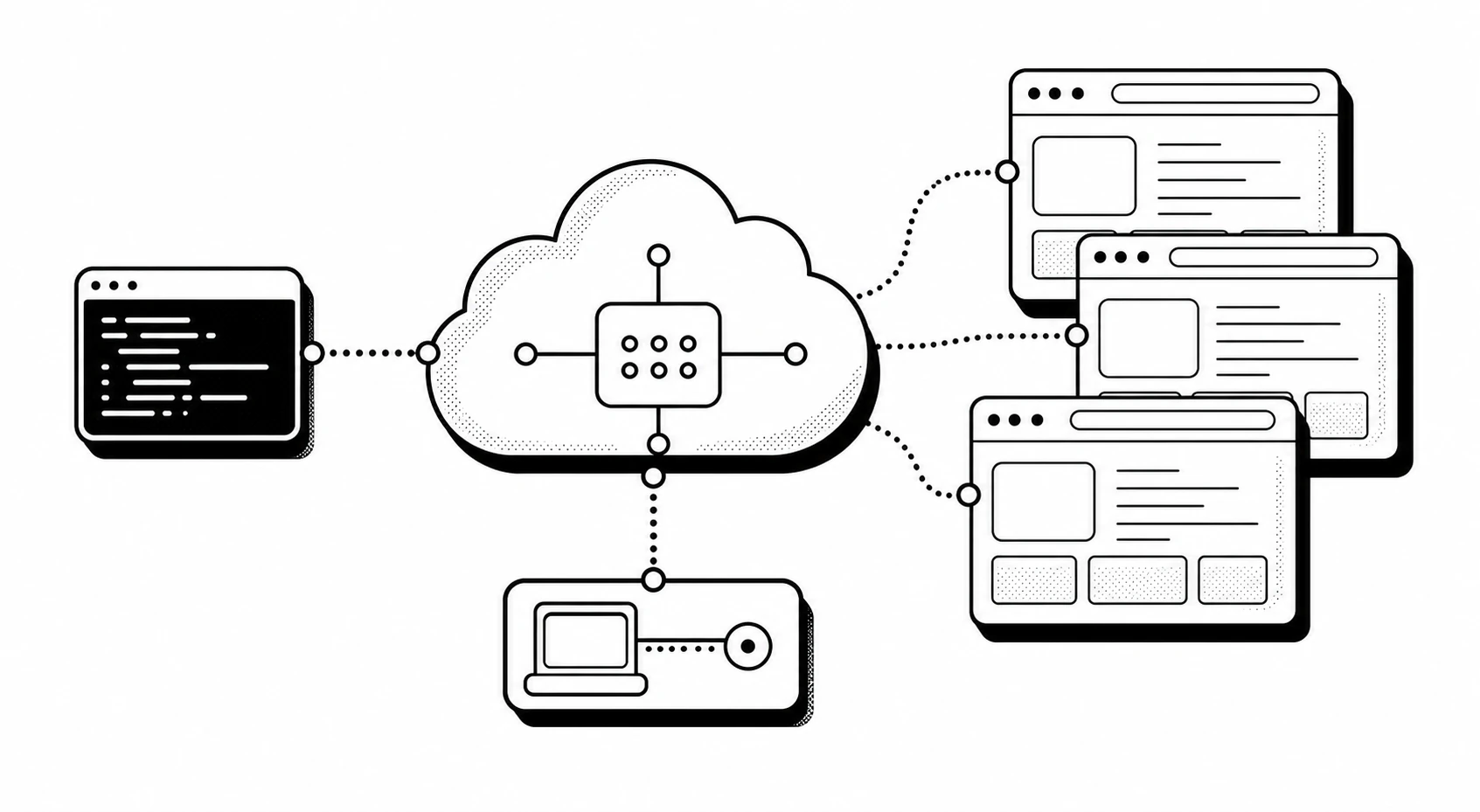
Nodes hang, queues grow, and QA ends up debugging infrastructure instead of failures.
BrowserStack and LambdaTest are strong for real-device cross-browser QA, but headless automation often needs a leaner path.
Automate UI tests
Looking for the right time to master automation?
Our platform makes this quite simple and convenient. You can start working withSelenium, Playwright, or Puppeteer / CDP. We constantly give away free credits,which you can spend on work or pet projects.
Sign up with GitHub
01
Keep WebDriver patterns
Use the project Selenium endpoint with the same `webdriver.Remote` shape your fixtures already know.
02
Run Playwright beside Selenium
Teams migrating test suites can keep both protocols available from one xClouds account.
03
Start with free credits
New registrations receive 1000 credits, 2 parallel sessions, and a 60 minute session cap for trial work.
Why xClouds
Built for the QA engineer who just needs reliable cloud browsers.
Consumer need
Run browser tests without nursing local drivers, Docker nodes, or a Selenium Hub.
Cost
Evaluate with free credits before asking a manager for budget. No paid cross-browser suite required for a headless-only proof.
Convenience
Register, copy the endpoint from the dashboard, and update your CI secret or fixture.
Communication
Show your team a small endpoint diff instead of pitching a full test-platform migration.
Do I have to rewrite my Selenium suite?
No. The documented Selenium path uses `webdriver.Remote` with the xClouds WebDriver URL and your API key.
Which programming languages are supported?
If you use PHP, Python, JavaScript, TypeScript, Java, .NET (C#), Go, Ruby, Kotlin, or another popular programming language in your work, we will get along nicely.
Can I run UI / e2e tests against my local machine?
Yes. We built a dev tunnel for this. It lets xClouds reach your local machine through an HTTPS subdomain, as if your site were available on the public internet.
Can I use your solution with AI?
Yes. After registration, examples for BrowserUse and CrewAI will be available to you, but the use cases can be broader. You can connect xClouds from custom SKILL.md files or other AI agents. The solution works well in both Codex and Claude Code environments.
Can I create screenshots and PDFs?
Yes. You can use the full set of browser capabilities, including screenshots at different viewport sizes.
Still have questions?
Send them to us and we will answer shortly.
Create a QA test account and run one remote Selenium or Playwright session.
Use the free registration credits to prove whether moving browser runtime out of CI reduces setup friction for your team.