You can use your own proxies or order proxies from us. Our proxies support automatic rotation and country selection.
Available in Russia, the CIS, and worldwide
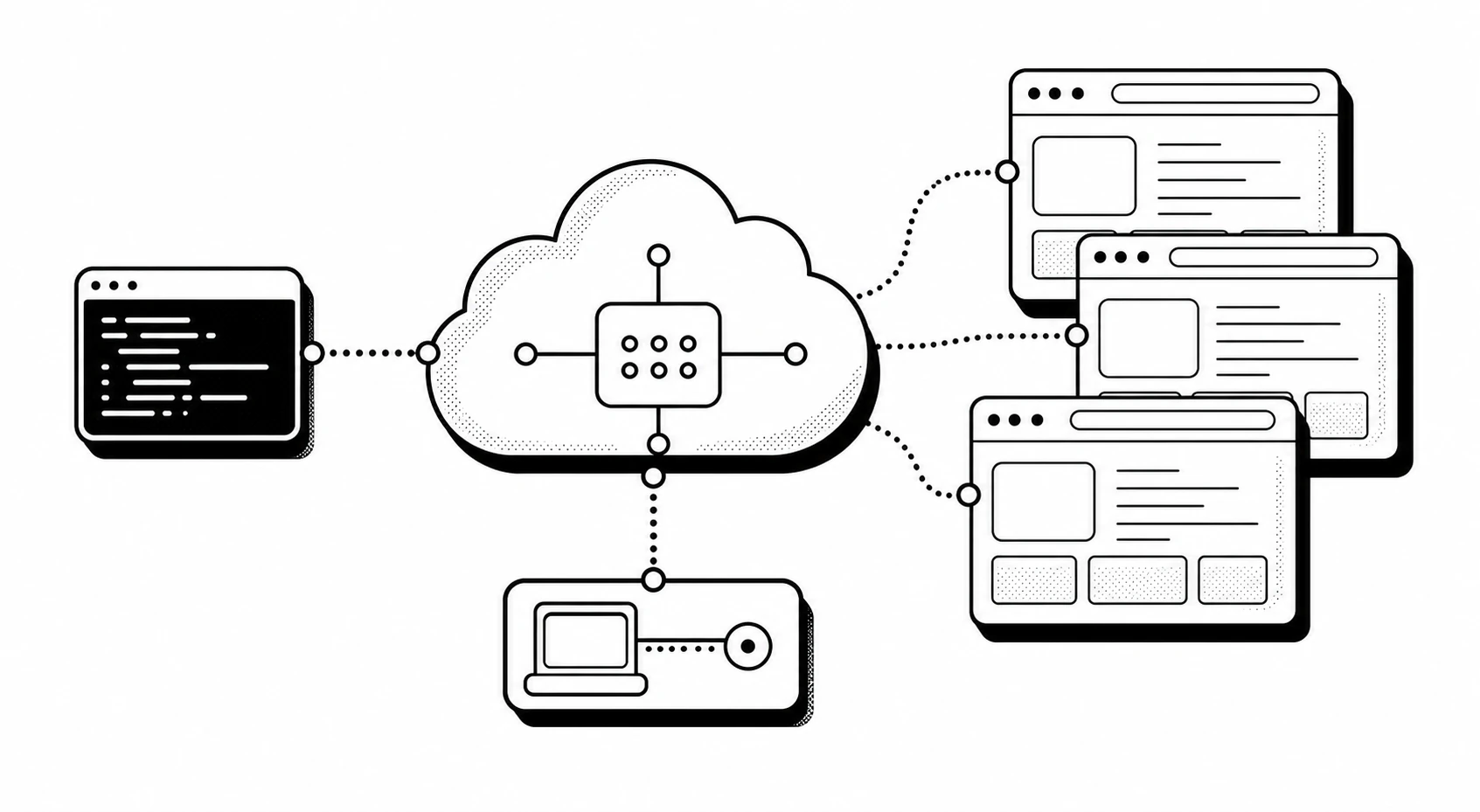
Cloud browser infrastructure for AI agents
24/7 access to a ready browser pool for parallel work with web resources. Fits any LLM agents. Works via API without complex setup.


Runs on cloud and local models
-
 GPT
GPT
-
 Claude
-
 Gemini
-
 Mistral
-
 MiniMax
-
 Ollama
-
 Hugging Face
-
 DeepSeek
Use hundreds of our cloud browsers to collect and structure web data
Why cloud browsers are better than local ones
They speed up AI agents by working with thousands of web pages at the same time. They are also more convenient, safer, and save your hardware resources.
An AI agent can launch dozens or hundreds of browser copies at the same time, or different versions of the same browser. All modern browsers are available.
Your hardware will not spend valuable memory and compute resources on cloud browser work, because the browsers run on a remote server.
All browsers run in an isolated environment on remote servers, which adds privacy and security while working with web resources.
They handle site defenses better, stay more stable during intensive data collection, and one failed browser does not break the workflow because the rest keep running.
You or your agents can connect to cloud browsers from any device: a laptop, desktop, CI/CD, or servers.
Full compatibility with Playwright, Puppeteer, Selenium, and CDP
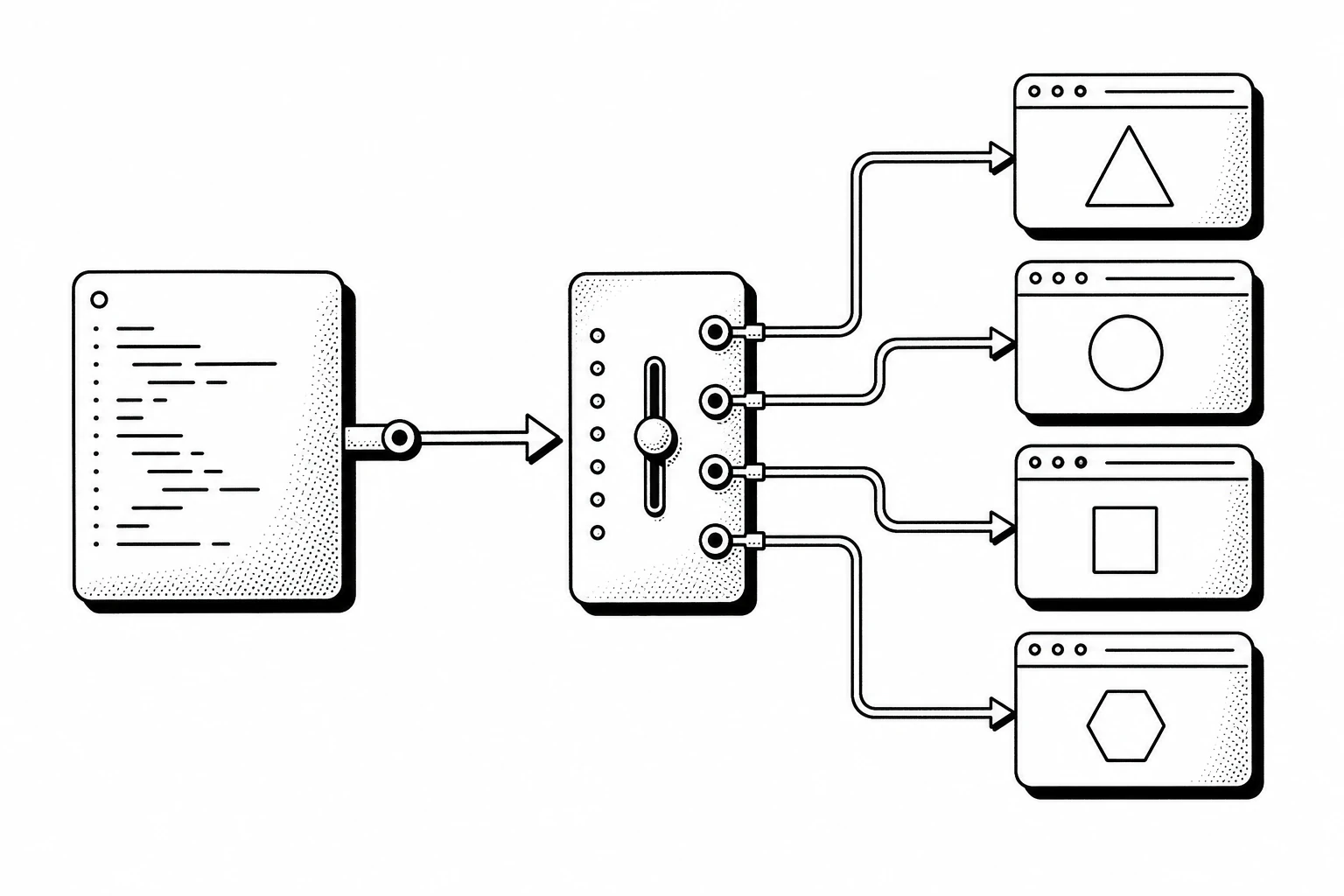
If you already have scripts written for these frameworks, you will not need to rewrite them. Only the connection endpoint changes; the rest of the code stays the same. After connecting, you can run dozens or hundreds of cloud browsers in parallel.
import { chromium } from 'playwright';

const browser = await chromium.connect({
    wsEndpoint: 'wss://playwright.xclouds.dev/v1.58/?api_key=API_KEY'
});
import puppeteer from 'puppeteer';

const browser = await puppeteer.connect({
    browserWSEndpoint: 'wss://cdp.xclouds.dev/cdp/?api_key=API_KEY'
});
from selenium import webdriver

driver = webdriver.Remote(
    command_executor="https://selenium.xclouds.dev/wd/hub?api_key=API_KEY"
)
import puppeteer from 'puppeteer';

const browser = await puppeteer.connect({
    browserWSEndpoint: 'wss://cdp.xclouds.dev/cdp/?api_key=API_KEY'
});
More examples at docs.xclouds.dev
Connect our browser pool to your agents in CrewAI, LangChain, and OpenClaw
import asyncio
from browser_use import Agent, Browser, ChatBrowserUse

XCLOUDS_CDP_API_KEY = "your xclouds api key"
BROWSER_USE_API_KEY = "your browser-use api key"

async def main():
    browser = Browser(cdp_url=f"wss://cdp.xclouds.dev/cdp/?api_key={XCLOUDS_CDP_API_KEY}")
    agent = Agent(
        task="Visit https://habr.com/ and search for vpn",
        browser=browser,
        llm=ChatBrowserUse(api_key=BROWSER_USE_API_KEY),
    )
    await agent.run()

asyncio.run(main())
import asyncio
from langchain_openai import ChatOpenAI
from browser_use import Agent, Browser

XCLOUDS_CDP_URL = "wss://cdp.xclouds.dev/cdp/?api_key=YOUR_API_KEY"

agent = Agent(
    task="Find the latest AI news",
    llm=ChatOpenAI(model="gpt-4o"),
    browser=Browser(cdp_url=XCLOUDS_CDP_URL),
)
asyncio.run(agent.run())
from crewai.tools import tool

XCLOUDS_SELENIUM_URL = "https://selenium.xclouds.dev/wd/hub?api_key=YOUR_API_KEY"

@tool
def selenium_browser(uri):
    """Fetch a page through the xClouds remote Selenium browser."""
    from selenium import webdriver
    from selenium.webdriver.chrome.options import Options as ChromeOptions

    driver = webdriver.Remote(
        command_executor=XCLOUDS_SELENIUM_URL,
        options=ChromeOptions(),
    )
    driver.get(uri)
    page_source = driver.page_source
    driver.quit()
    return page_source
# Set PLAYWRIGHT_SERVER_URL in .env:
# wss://playwright.xclouds.dev/v1.58/?api_key=YOUR_API_KEY
from playwright.sync_api import sync_playwright
with sync_playwright() as p:
browser = p.chromium.connect(
ws_endpoint="wss://playwright.xclouds.dev/v1.58/?api_key=YOUR_API_KEY"
)
Easy to pay
We accept bank cards from Russia and the CIS
You will not have payment problems from Russia. If needed, we can issue an invoice for companies and sole proprietors.
Try first, pay later
Right after registration, you get access to a free demo cluster. We do not ask you to attach a card.
1000 credits and 60 minutes monthly
Free resources are available to you every month. Spend them on personal and work projects.
Did the solution not fit? We will refund you!
If for any reason you change your mind about using our platform, we will refund the remaining balance without trouble.
01
How do I start using it?
Sign in with your GitHub or Yandex account. API keys and demo connection examples will be available in your dashboard. You will automatically get access to the free demo cluster. We do not ask you to attach a card while using the demo cluster.
02
How many parallel browsers can I launch?
On the demo cluster and free accounts, you can launch no more than 2 browsers at the same time. Paid accounts have no limit.
03
Will these be isolated browsers?
Yes, these are full-featured isolated browsers within the session context.
planned for 2026
We constantly develop our infrastructure
Browser profiles
You will be able to use your own browser profiles for recurring testing tasks and data collection.
Anti-bot system
We will improve our algorithms and solutions to increase your agents' stability while collecting data from any web resources.
Session debugging
We plan to add session logging so it is easier to understand failure points and unstable agent behavior.
Do you use real browsers?
Yes, we have a pool of full-featured browsers that support JavaScript rendering, header configuration, cookies, and debugging through Chrome DevTools Protocol. We also have documentation with examples for using these capabilities.
Which browsers are available?
Chrome, Chromium, Firefox, Edge, and WebKit. On request and for an additional fee, we provide access to Safari.
Can I take screenshots and PDFs?
Yes. You can take screenshots in different resolutions and save web pages as PDF documents.
Will my agent be able to sign in to the site I need and perform multi-step scenarios?
Yes. Your agent will be able to send and receive cookies, and manage headers.
Our friends
-
 VKontakte
-
 Yandex
-

Do not need it right now? Save resources for later
Every registered user receives +1000 credits and +60 minutes on the balance every month. Sign up and save your resources, then use them when you need them!