Stop testing manually. Start automating your career
We provide the infrastructure used by leading companies, rather than courses and textbook exercises. Our platform helps you master Playwright, Selenium, and Puppeteer without installing software or struggling with setup.


from selenium import webdriver
from selenium.webdriver.chrome.options import Options

XCLOUDS_URL = "https://selenium.xclouds.dev/wd/hub?api_key=API_KEY"

driver = webdriver.Remote(
    command_executor=XCLOUDS_URL,
    options=Options(),
)
driver.get("https://example.com")
assert "Example" in driver.title
driver.quit()
from playwright.sync_api import sync_playwright

XCLOUDS_URL = "wss://playwright.xclouds.dev/v1.58/?api_key=API_KEY"

with sync_playwright() as p:
    browser = p.chromium.connect(XCLOUDS_URL)
    page = browser.new_page()
    page.goto("https://example.com")
    assert "Example" in page.title()
    browser.close()
// npm install puppeteer
import puppeteer from 'puppeteer';

const browser = await puppeteer.connect({
    browserWSEndpoint: 'wss://cdp.xclouds.dev/cdp/?api_key=API_KEY'
});

const page = await browser.newPage();

await page.goto('https://example.com');
const title = await page.title();
console.log(`Page title: "${title}"`);

await browser.close();
Get instant access to a ready-to-use cloud playground with Selenium, Playwright, Puppeteer, and CDP
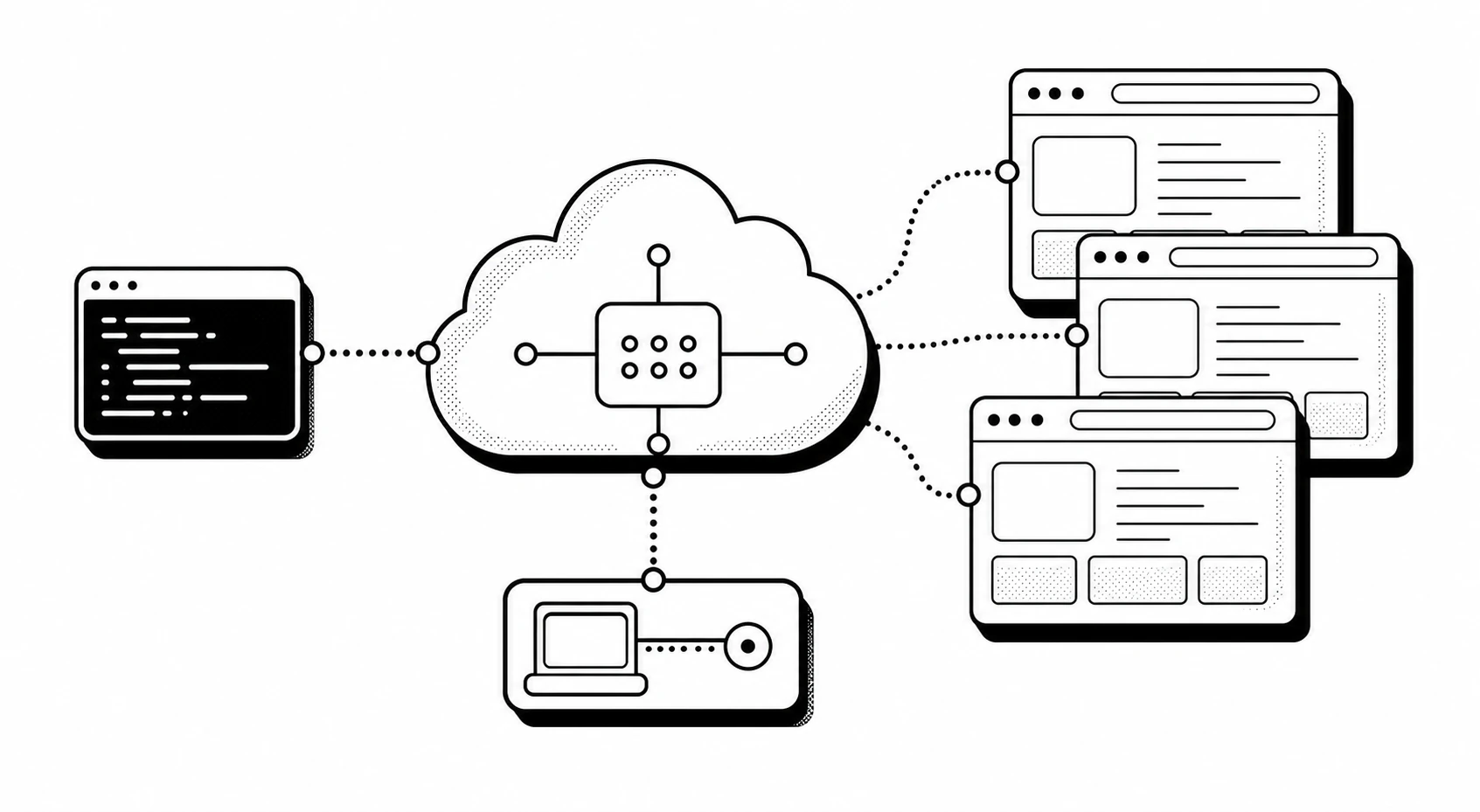
Write tests right now. Save the time and effort of setting up infrastructure.
Everything is already set up
Start practicing automated test creation right away. All the infrastructure is ready: write tests in your favorite IDE and run them through our cloud Selenium, Playwright, or Puppeteer / CDP.
Tired of constant regression testing and repetitive manual checks?
Start learning automation: create scripts that work for you. Our platform makes it incredibly easy!
import { chromium } from 'playwright';

const browser = await chromium.connect({
    wsEndpoint: 'wss://playwright.xclouds.dev/v1.58/?api_key=API_KEY'
});
import puppeteer from 'puppeteer';

const browser = await puppeteer.connect({
    browserWSEndpoint: 'wss://cdp.xclouds.dev/cdp/?api_key=API_KEY'
});
from selenium import webdriver

driver = webdriver.Remote(
    command_executor="https://selenium.xclouds.dev/wd/hub?api_key=API_KEY"
)
import puppeteer from 'puppeteer';

const browser = await puppeteer.connect({
    browserWSEndpoint: 'wss://cdp.xclouds.dev/cdp/?api_key=API_KEY'
});
Prepare for future performance reviews today
Automation has become a basic requirement for mid-level and senior positions
Increase your income
QA Automation and SDET specialists are more highly valued in the job market. Their salaries are, on average, 1.5–2.5 times higher. Manual testers will soon be earning pennies.
Make the most of this opportunity
Do not put off developing your automated testing skills. Manual testing is becoming a basic skill rather than a competitive advantage.
Build your skills through practice
We do not offer courses or exercises, but we do provide infrastructure. It helps you safely hone your automated testing skills alongside any course.
Choose what suits you
Get immediate access to Selenium, Playwright, and Puppeteer without setup headaches. Experiment with frameworks, choose the right one, and learn them all or focus on just one.
Learning AI? Try using our browser pool with CrewAI, LangChain, and OpenClaw
import asyncio
from browser_use import Agent, Browser, ChatBrowserUse

XCLOUDS_CDP_API_KEY = "your xclouds api key"
BROWSER_USE_API_KEY = "your browser-use api key"

async def main():
    browser = Browser(cdp_url=f"wss://cdp.xclouds.dev/cdp/?api_key={XCLOUDS_CDP_API_KEY}")
    agent = Agent(
        task="Visit https://habr.com/ and search for vpn",
        browser=browser,
        llm=ChatBrowserUse(api_key=BROWSER_USE_API_KEY),
    )
    await agent.run()

asyncio.run(main())
import asyncio
from langchain_openai import ChatOpenAI
from browser_use import Agent, Browser

XCLOUDS_CDP_URL = "wss://cdp.xclouds.dev/cdp/?api_key=YOUR_API_KEY"

agent = Agent(
    task="Find the latest AI news",
    llm=ChatOpenAI(model="gpt-4o"),
    browser=Browser(cdp_url=XCLOUDS_CDP_URL),
)
asyncio.run(agent.run())
from crewai.tools import tool

XCLOUDS_SELENIUM_URL = "https://selenium.xclouds.dev/wd/hub?api_key=YOUR_API_KEY"

@tool
def selenium_browser(uri):
    """Fetch a page through the xClouds remote Selenium browser."""
    from selenium import webdriver
    from selenium.webdriver.chrome.options import Options as ChromeOptions

    driver = webdriver.Remote(
        command_executor=XCLOUDS_SELENIUM_URL,
        options=ChromeOptions(),
    )
    driver.get(uri)
    page_source = driver.page_source
    driver.quit()
    return page_source
# Set PLAYWRIGHT_SERVER_URL in .env:
# wss://playwright.xclouds.dev/v1.58/?api_key=YOUR_API_KEY
from playwright.sync_api import sync_playwright
with sync_playwright() as p:
browser = p.chromium.connect(
ws_endpoint="wss://playwright.xclouds.dev/v1.58/?api_key=YOUR_API_KEY"
)
Fed up with clicking through the same things over and over?
Ready, Steady, Go! Take your first step into automated testing practice.
With us, you do not need to figure out and configure the entire infrastructure. You get a ready-to-use platform with popular frameworks: Selenium, Playwright, or Puppeteer. Choose what you want to write your automated tests with, create scripts, and demo your work to colleagues.
Free resources are available to you every month. Spend them on personal and work projects.
That is why we created a platform where you can safely practice automated testing at any time. Writing scripts is an interesting, useful, and, above all, well-paid skill in IT.
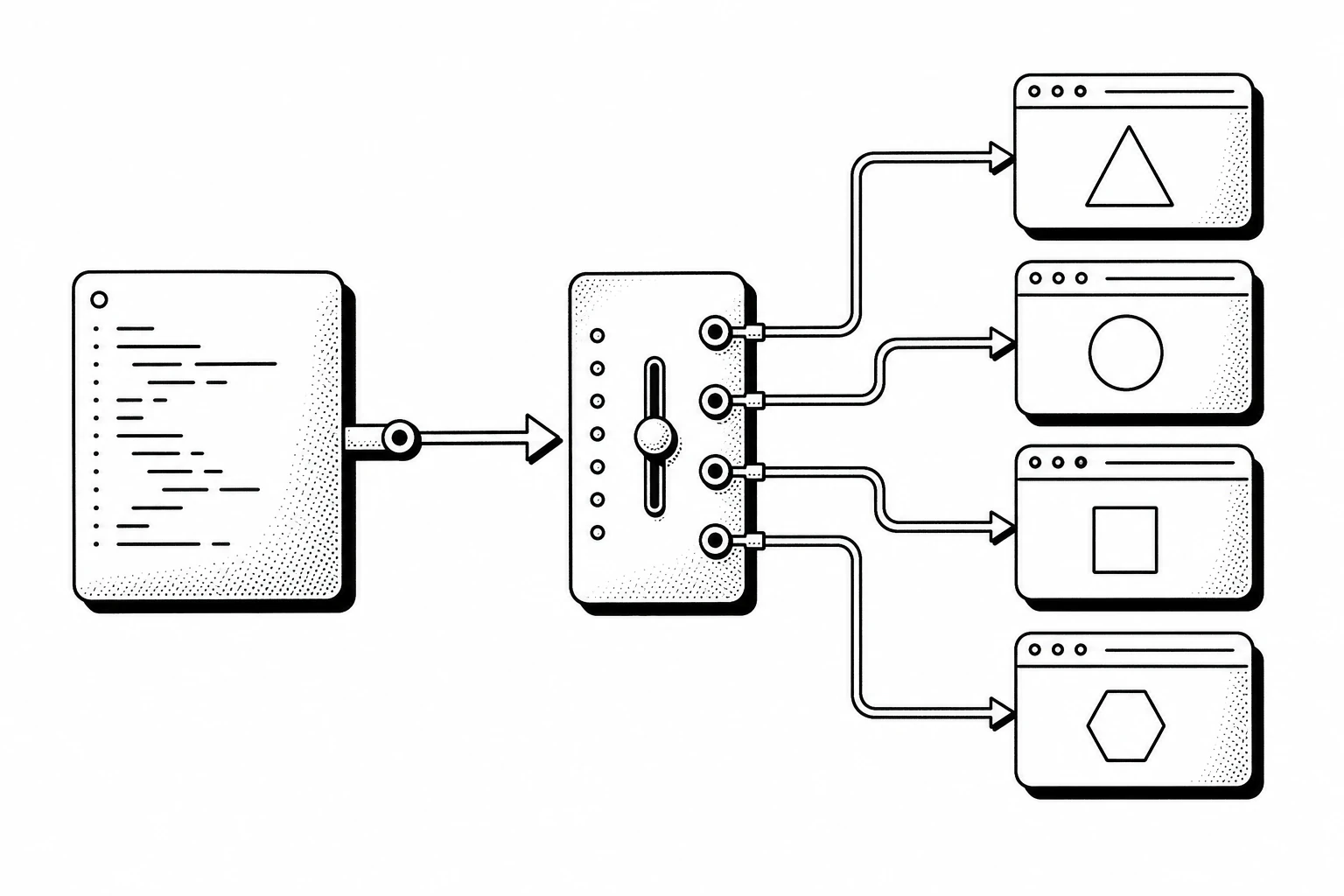
Sign in with your GitHub or Yandex account. API keys and demo connection examples will be available in your dashboard. You will automatically get access to the free demo cluster. We do not ask you to attach a card while using the demo cluster.
On the demo cluster and free accounts, you can launch no more than 2 browsers at the same time. Paid accounts have no limit.
Yes, these are full-featured isolated browsers within the session context.
Do you use real browsers?
Yes, we have a pool of full-featured browsers that support JavaScript rendering, header configuration, cookies, and debugging through Chrome DevTools Protocol. We also have documentation with examples for using these capabilities.
Which browsers are available?
Chrome, Chromium, Firefox, Edge, and WebKit. On request and for an additional fee, we provide access to Safari.
Can I take screenshots and PDFs?
Yes. You can take screenshots in different resolutions and save web pages as PDF documents.
Will my agent be able to sign in to the site I need and perform multi-step scenarios?
Yes. Your agent will be able to send and receive cookies, and manage headers.
Our friends
-
 VKontakte
-
 Yandex
-

Do not need it right now? Save resources for later
Every registered user receives +1000 credits and +60 minutes on the balance every month. Sign up and save your resources, then use them when you need them!